MEMORY MOMENTS
Start
Stop
End
Tap a pin for details · drag to reorder stops
📄 Travel Documents
🎒 Essentials
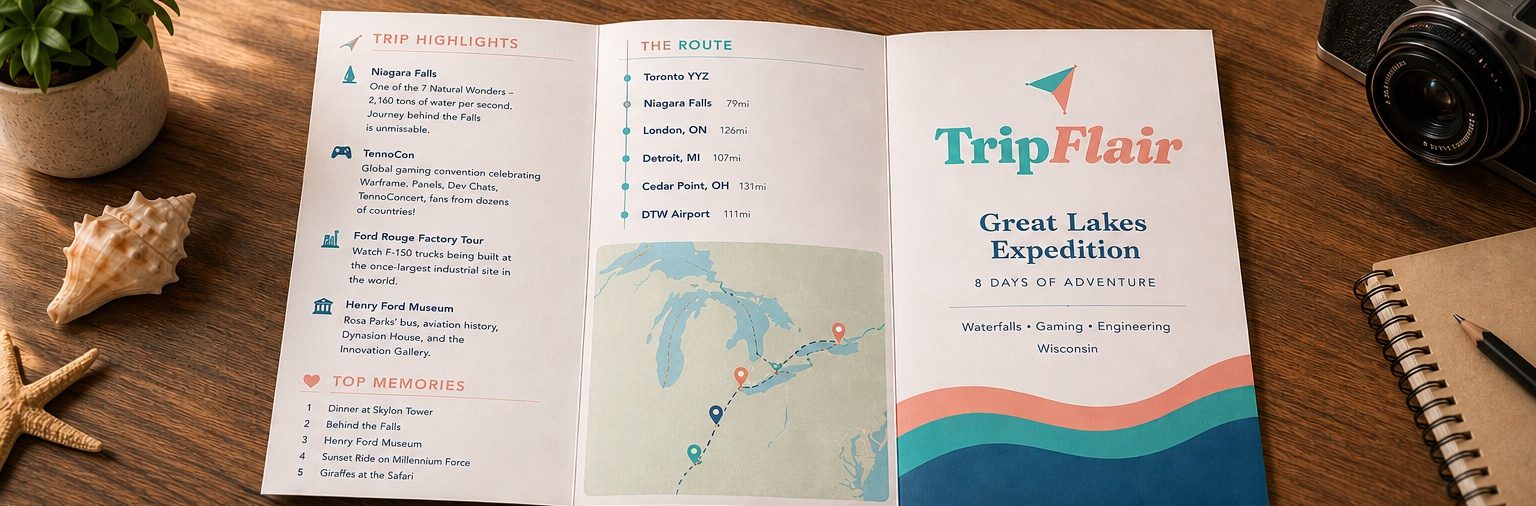
TOP MEMORIES
Collect Moments, Not Things
"We don't remember days, we remember moments."
— Cesare Pavese
— Cesare Pavese
🤖
Trip Assistant
Online · Ask anything about your trip
Who's asking?
⚡ Trip Intelligence
Proactive insights powered by AI
⚡
Trip Intelligence not generated yet
Generate an itinerary first, then come back here for proactive insights about weather, timing, booking reminders, and more.
Trip reminders
Get a heads-up before your trip — weather, what to book, and day-of timing, sent straight to your device.
The Launch Pad
Answer seven quick questions — where, when, who's coming, how fast you like to move — and TripFlair drafts the whole trip, day by day, with real travel times and room to breathe.
- Tell us the shape of itWhere, when, who, how fast.
- We draft the daysReal timings, real distances, room to breathe.
- You take it from thereEvery detail stays yours.
Welcome
Where are we
going?
Tell us a little about the trip and we'll draft the whole thing — days, drives, meals, and the moments worth remembering.


This is what you're making.
A printable trifold you can hold — not another itinerary that lives in a tab.
1
Plan
Build the trip structure
2
Design
Polish each day
3
Preview
Print your brochure
Trip PlanStep 1 · Plan
✨ AI Smart Import — upload anything, AI fills your trip automatically
📸 Photo of your brochure or flyer
📧 Screenshot of booking email
✈️ Flight confirmation screenshot
🏨 Hotel reservation screenshot
🗺️ Google Maps itinerary screenshot
✍️ Photo of handwritten notes
📋 Any travel document photo
🖥️ Screenshot of any planning app
🌍 Trip Info
🌍 Share with the community
List this trip on Discover so other families can find it and clone it as a starting point. Your family name, member names, exact dates, day photos and memories stay private.
🗺️ Route Planner
— auto-calculates miles & drive time
📅 Days & Schedule
✨ Ready to bring your days to life?
You've built the structure here. Next, head to Design to craft each day's activities, photos, fun facts, and missions — the details that make your brochure a keepsake.
👨👩👧👦 Family Members & Challenges
❤️ Top Memories
⭐ Highlights
🎒 Packing List
🗺️ Logistics Notes